Your GTM, as workflowsthat run on a trigger.
A play watches a model and fires when a row changes, on a schedule, or on demand. Each step is a tool, an agent, or a connector. Every run is retried on failure and traced end to end.



















Start from a change in your data




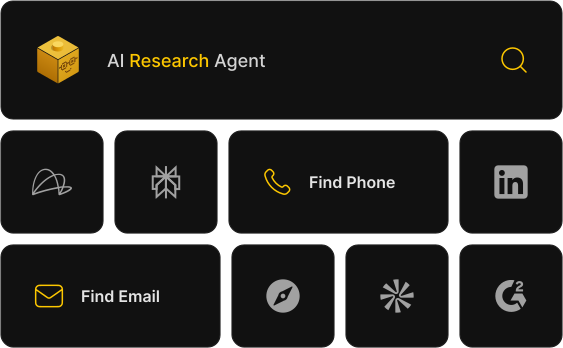
Research from your data and the web
A research step pulls contact and company data from maintained providers, or hands the account to an agent, yours or ours, for a brief before anyone reads it.
Retrieve key details like phone numbers, emails, and job titles in seconds, eliminating manual searches and accelerating outreach.
Access comprehensive company data, including industry trends, funding history, and key decision-makers, to better understand prospect fit.
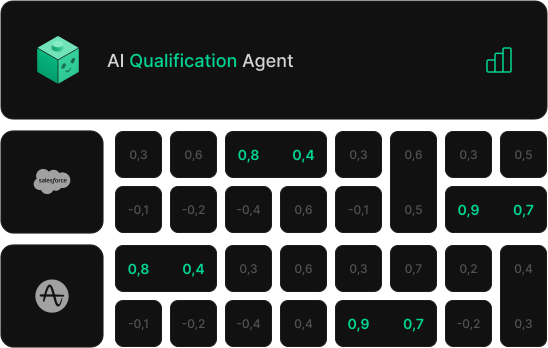
Qualify against your ICP
Score each lead against the ICP written in your context. A number, a reason, and a tier on every row, so the bottom of the list never reaches a rep.
Use AI-driven scoring to evaluate leads based on predefined criteria, ensuring only the most promising prospects move forward.
Categorize leads into custom tiers to help your team focus on high-value opportunities first, improving efficiency and conversion rates.
Hand off, or reach out
Route to the right rep by territory and capacity, notify the team in Slack, or let an agent draft the first touch and enroll it in your sequencer.
Leverage AI to send personalized messages through email and other channels, ensuring prospects receive the right communication at the right moment.
Instantly assign high-potential leads to the right sales reps based on predefined criteria, enabling faster response times and higher conversion rates.
Run targeted outreach cadences at scale, engaging hundreds or even thousands of leads efficiently while maintaining a personal touch.
What teams run as plays
The plays we see most, each one a template you can install and adapt.
Let Cargo identify your best-fit customers and instantly generate high-quality lookalike account lists for your campaigns.
Let Cargo keep your CRM up to date with the most accurate account data from 3rd party data providers.
Use Cargo to track product adoption and usage trends, helping you uncover active accounts and drive meaningful engagement.
Have Cargo monitor your product usage data and spot upsell opportunities for your sales team.
Cargo scores and prioritizes your accounts based on real intent and engagement signals, so your sales teams can focus where it matters most.
Automatically route leads to the right rep based on territory, capacity, and account fit, so no opportunity falls through the cracks.
Visual or programmable. Same engine.
Two ways in. No ceiling on either.

“Essential. Innovative. Indispensable. Cargo let you build your unique growth engine, a much-needed solution in the market today.”Guillaume Cabane

Co-Founder @Hypergrowth
Give your agents a runtime
Bring the agents you have.Start free, deploy in one command.